My Blocks
Overview
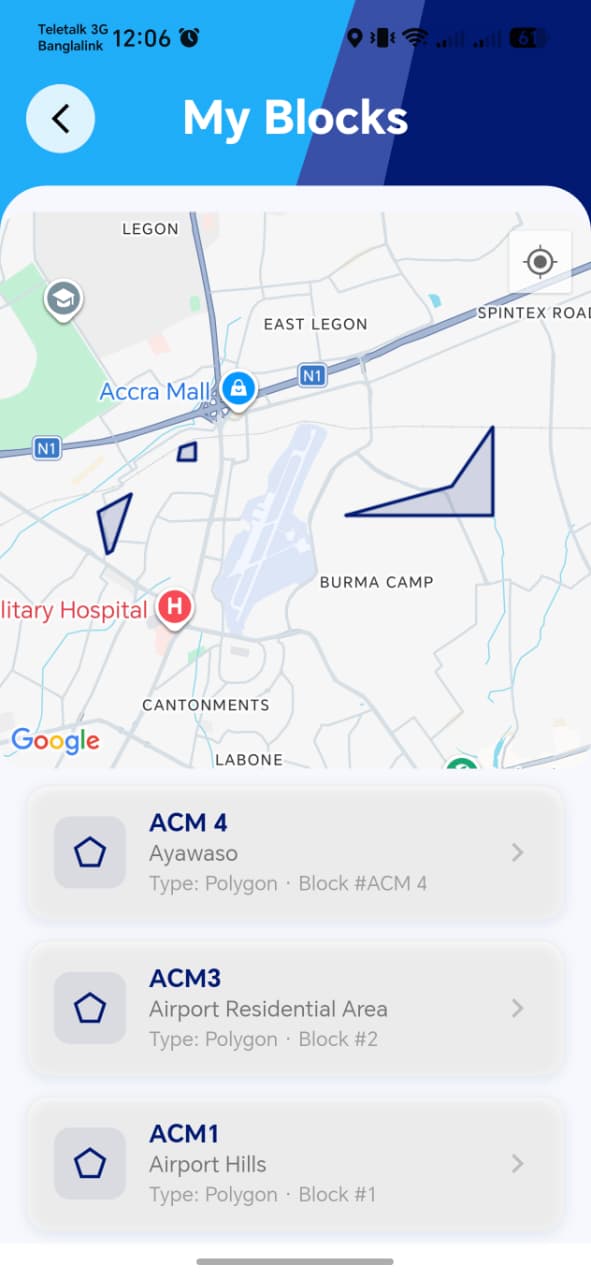
Shows the municipal blocks assigned to the agent, each with a map preview — this defines the geographic scope of what the agent is expected to cover for registration, inspection, and bill distribution.
Navigate to: Home → More → My Blocks
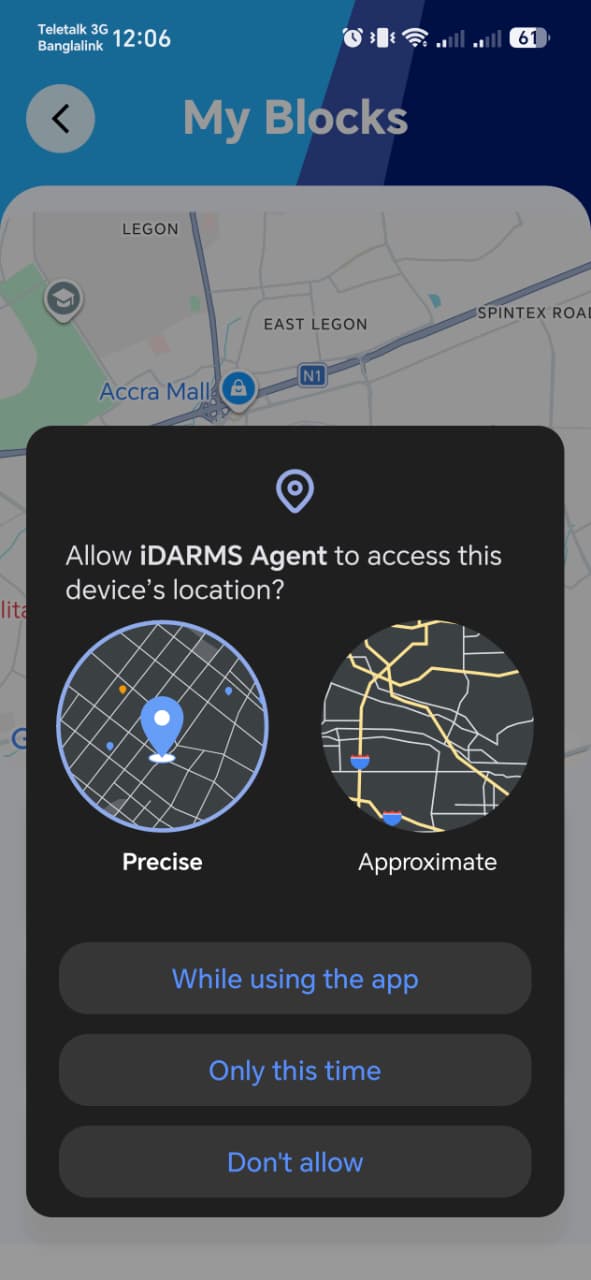
This section will ask for Agent's location permission
My Block List
| Element | Description |
|---|---|
| Block list | Each entry shows a block name/identifier with a small map preview of its boundary |
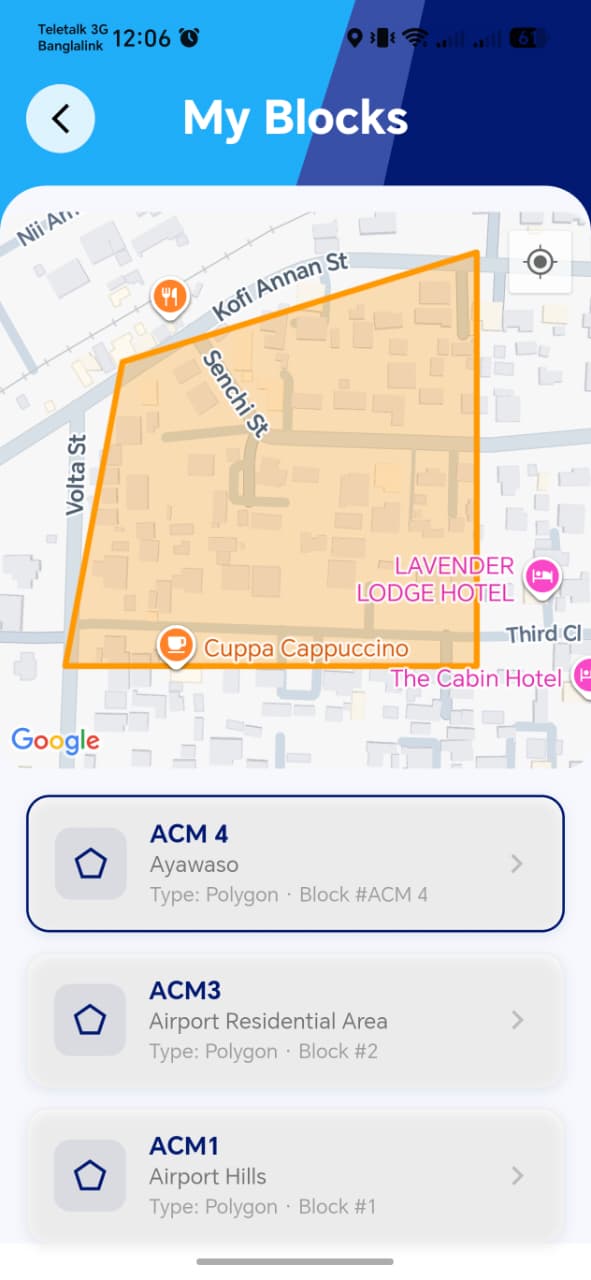
| Tapping a block | Focuses the main map on that block's boundary |
My Block Map
Open question from the spec itself
The functional spec explicitly flags whether an agent can be assigned multiple blocks as an item needing clarification before implementation/handoff. Worth checking directly with the dev team whether this shipped as single-block or multi-block per agent, since it changes what "correct" looks like on this screen — e.g. whether the list should ever show more than one entry.
Things to check
- If multi-block assignment is supported, confirm the list correctly shows all of them, not just one
- Each block's map preview accurately reflects its real boundary — worth spot-checking against known block boundaries rather than assuming the shape rendered is correct
- Tapping a block actually re-centers/zooms the map to that block, rather than just highlighting it in the list
- Confirm how this connects to other workflows — e.g. does Property Inspection only show properties within the agent's assigned block(s), or could an agent be shown properties outside their blocks?